
Fast delivery Countrywide

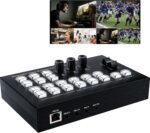
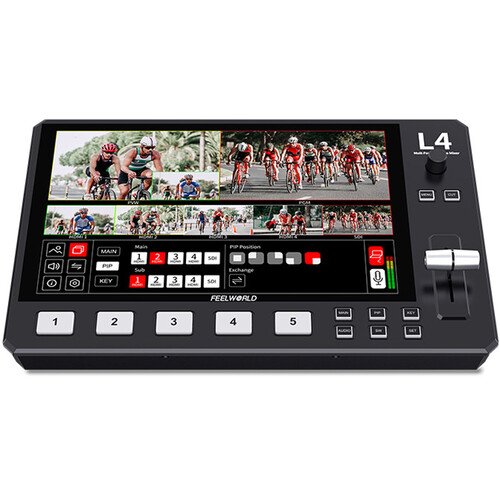
Live Streaming Video Mixer, 4 HDMI 4 Channel Input Video Switcher

KSh29,000

YOU MAY ALSO LIKE:

Shipping & Delivery

  • Delivery within Nairobi

Our courier will deliver to the specified address within an Hour at a fee

0-1 Hour

  • Delivery outside Nairobi

Delivery outside Nairobi is Done using Trusted Couriers at a fee

1-2 Days

  • Free 30-Day returns

Description

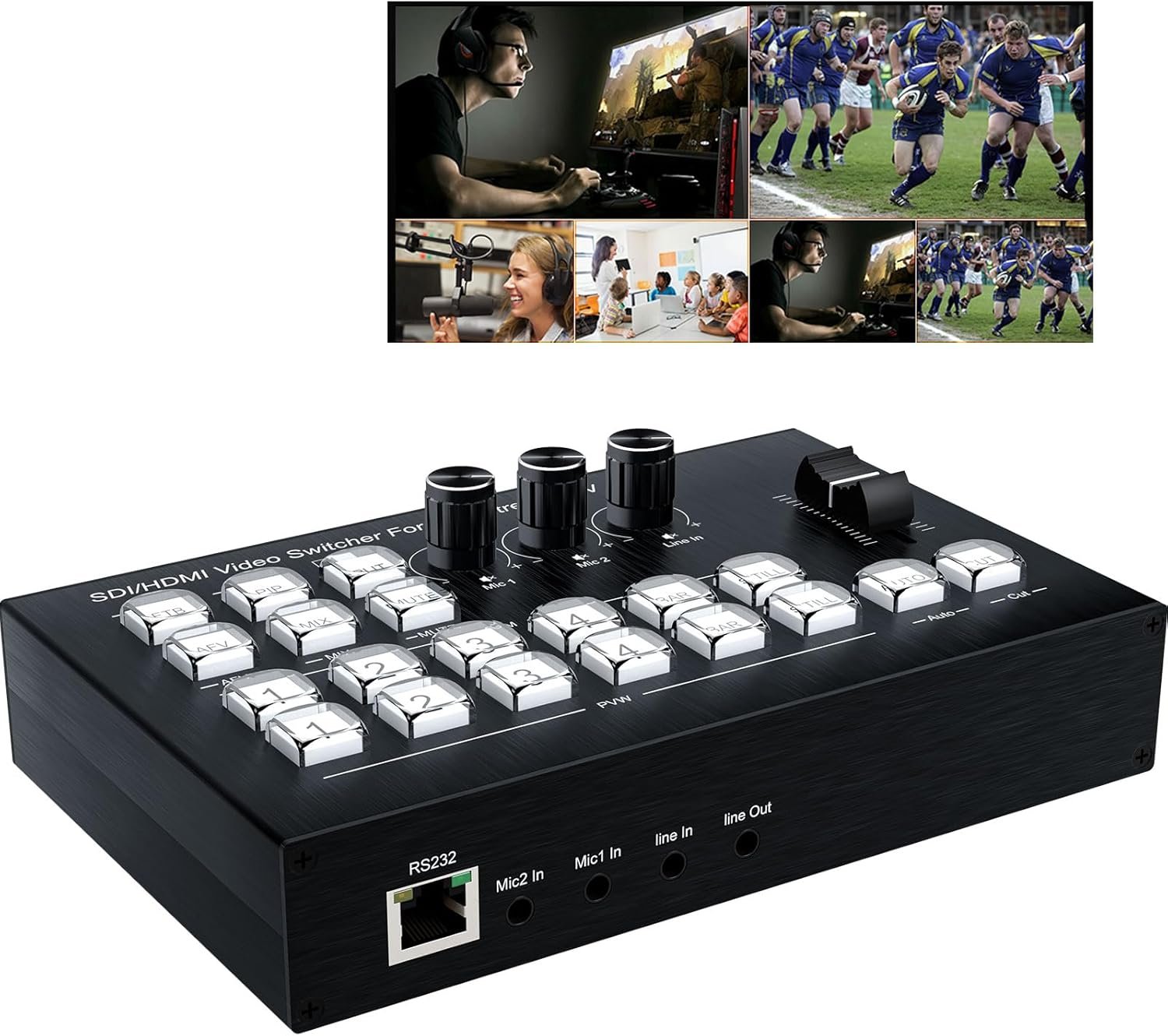
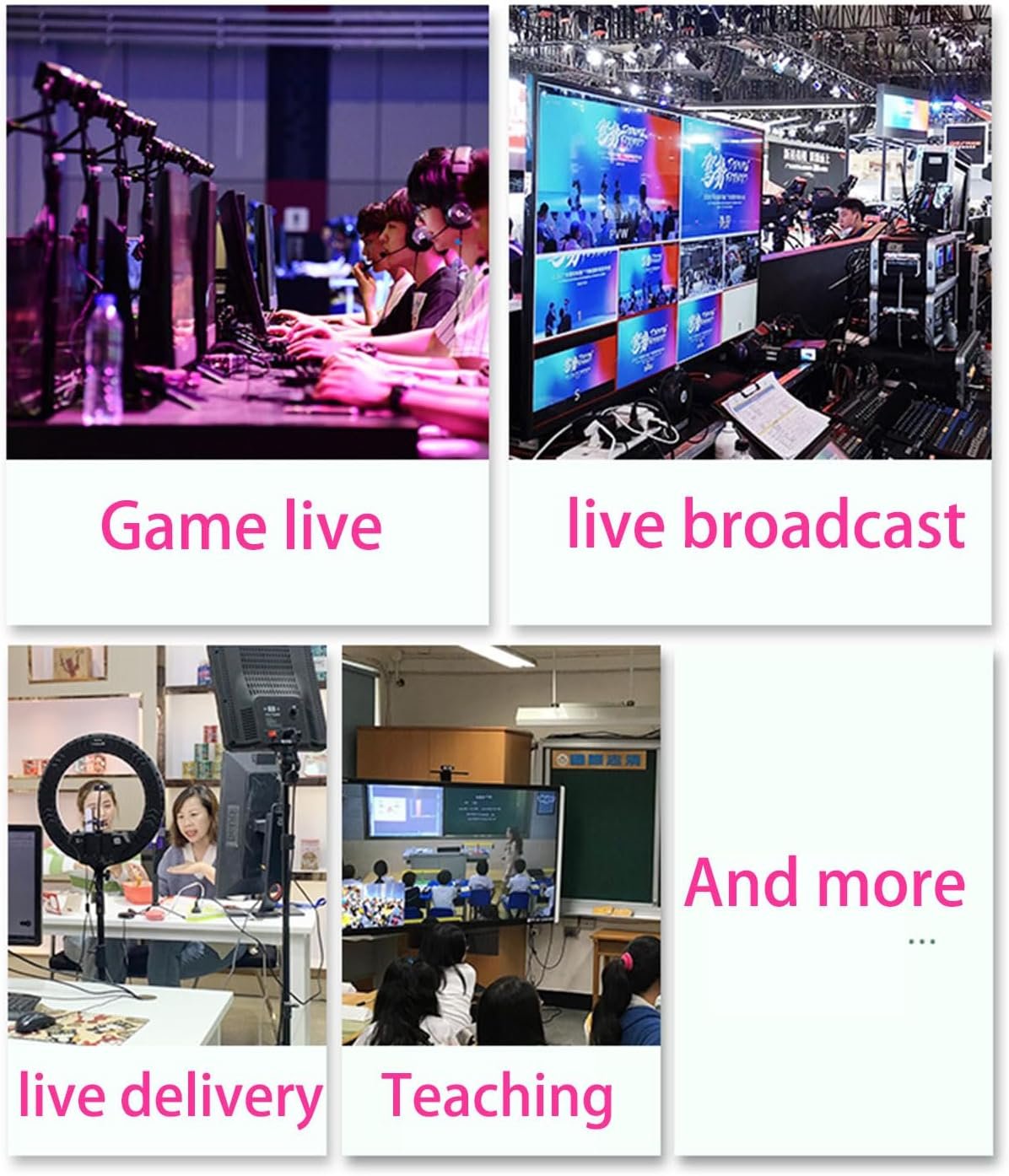
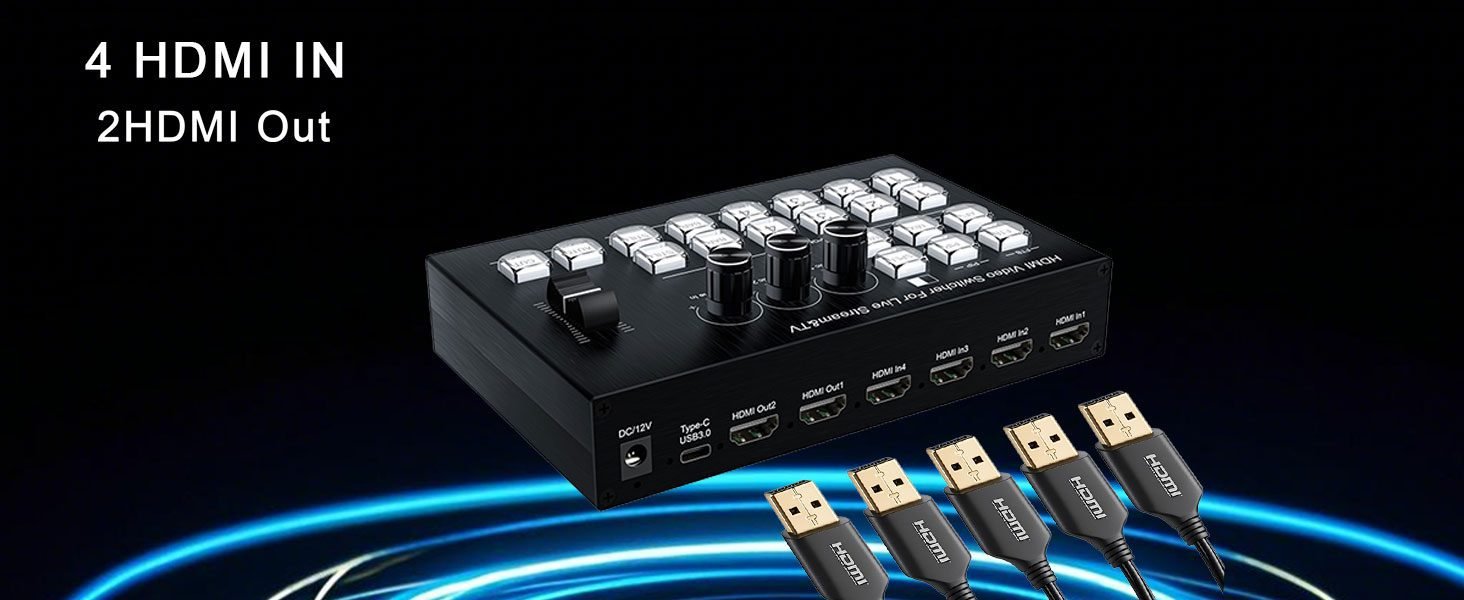
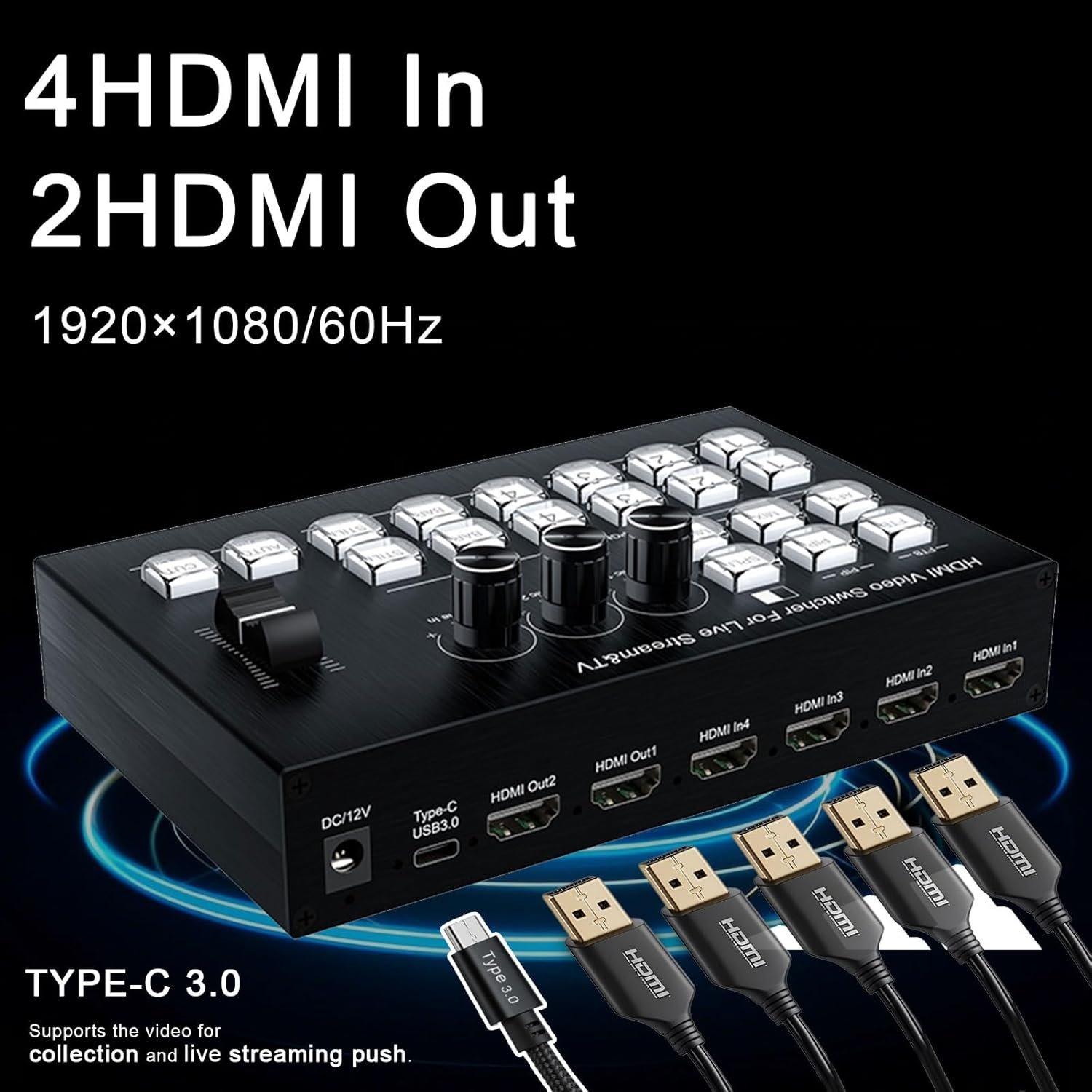
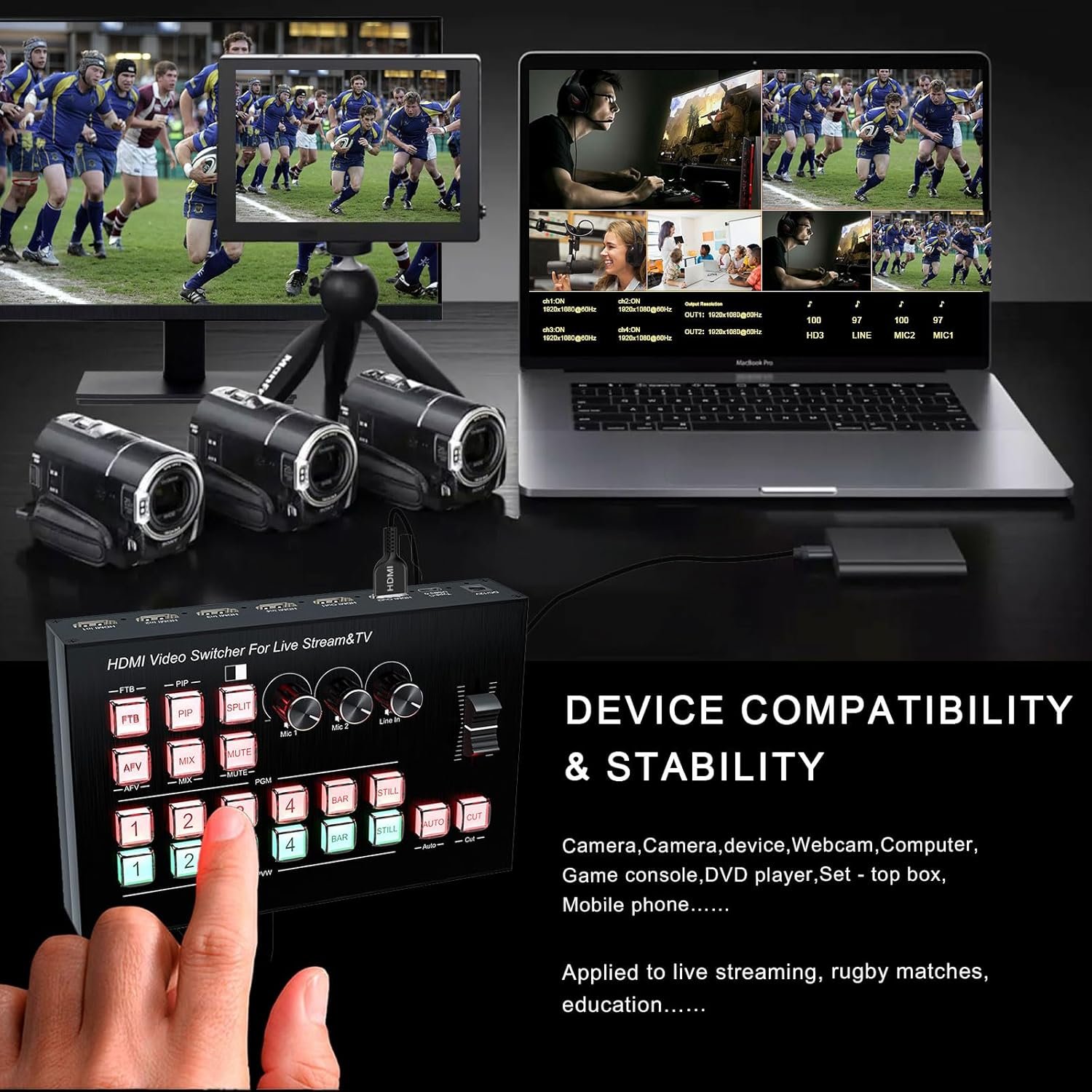
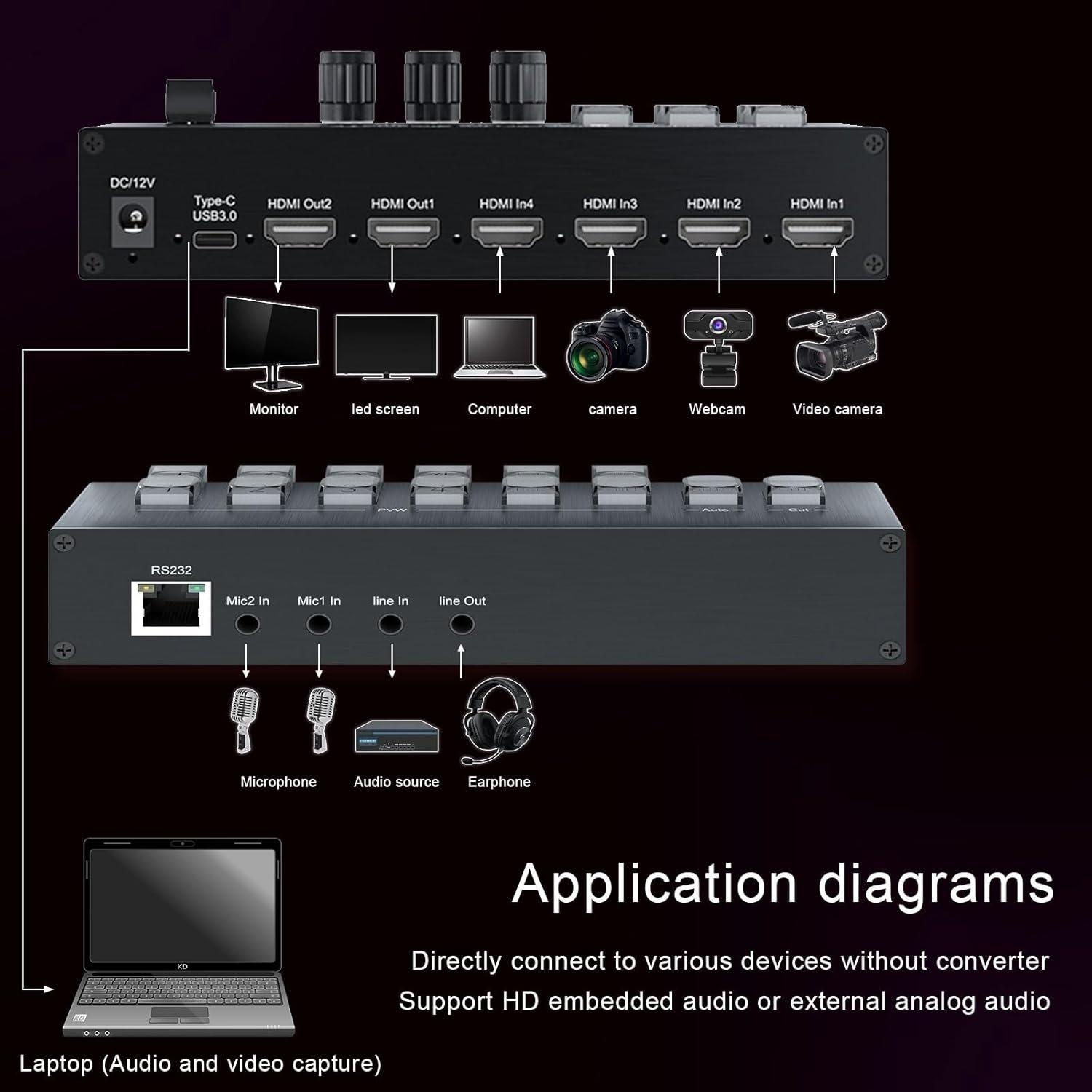
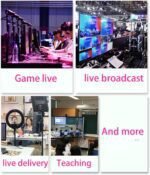
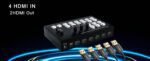
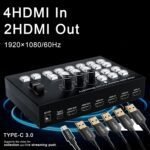
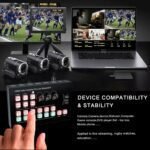
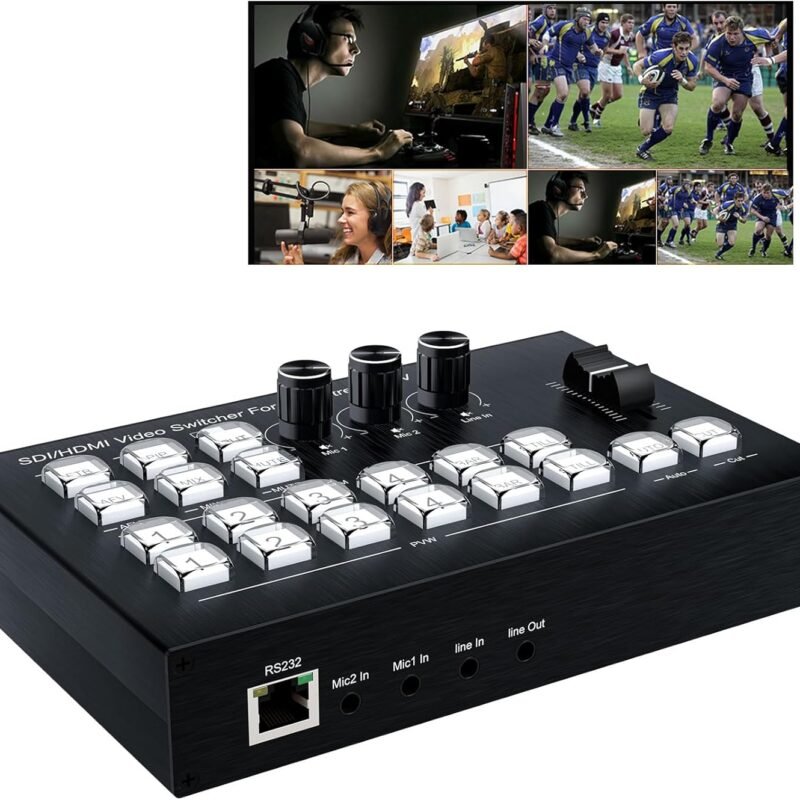
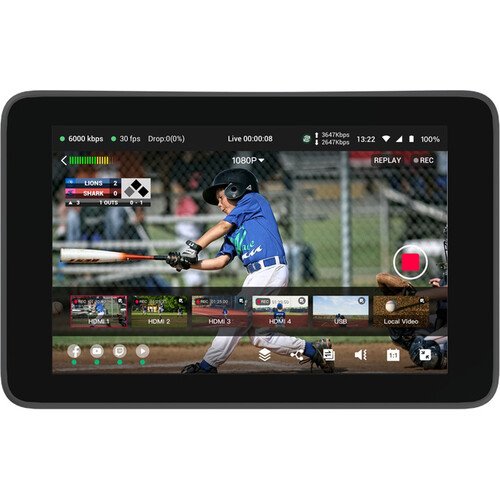
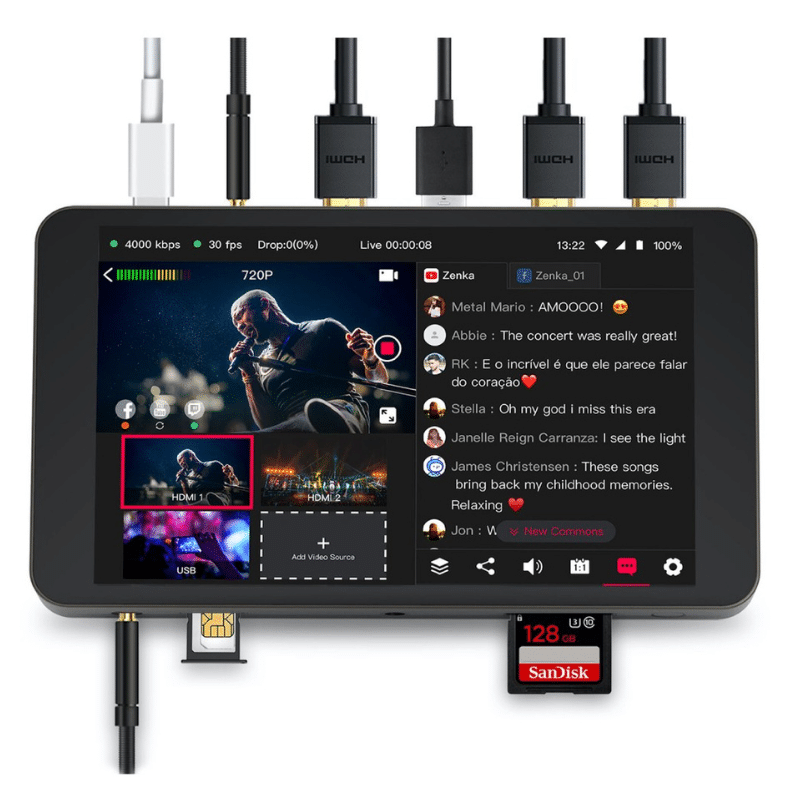
This Live Streaming video switcher supports 4 HDMI inputs.It can quickly and stably switch among multiple video signal sources, such as cameras, computer screens, video players, etc., ensuring smooth transitions of the pictures during live streaming or recording, so as to meet the needs of different scenarios and content presentations.

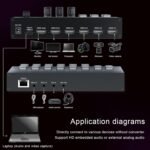
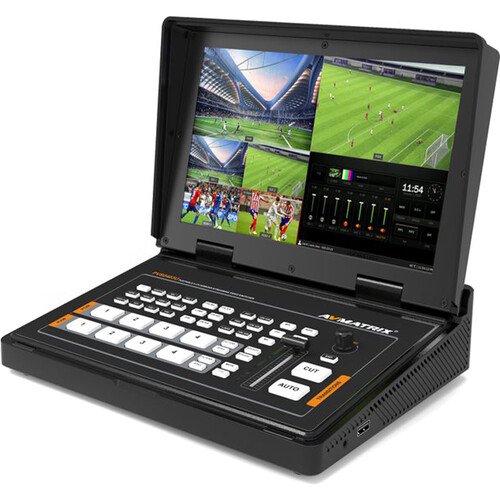
The RIJER HDMI video mixer not only supports common HDMI . The video switcher is equipped with two output ports, enabling the directors to view the picture content of each input signal in real time. At the same time, they can also preview the picture to be switched, so as to accurately determine the switching timing and ensure the quality and accuracy of the broadcast pictures.

Live Streaming video switcher stably HDMI input 4K/30HZ backward compatible , outputs high-definition pictures with a resolution of 1920X1080@60Hz bringing you an immersive visual experience and meeting your pursuit of high-quality videos

In addition to video signal processing, the digital audio mixer also needs to manage audio. It can mix the sounds from multiple audio sources, adjust the volume, balance, and audio effects, etc., to ensure that the audio is synchronized with the video images. Moreover, it can make the sound clear and balanced, thus enhancing the overall viewing experience.

It supports direct seamless switching and gradual display, effortlessly meeting the requirements of different scenarios. Meanwhile, it features the Picture-in-Picture (PiP) display and the dual-screen simultaneous display function, offering diverse visual presentations. In terms of audio, it can be switched smoothly, ensuring a perfect coordination between sound and picture and creating a seamless switching experience in all aspects for you.

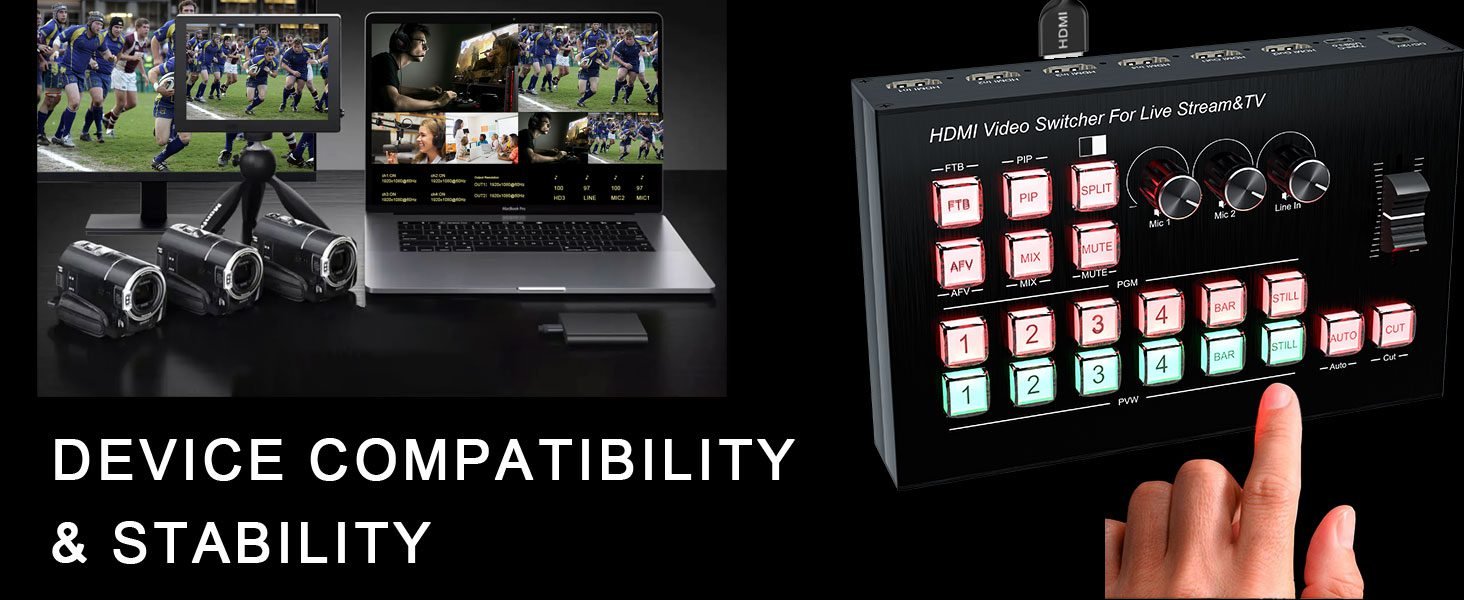
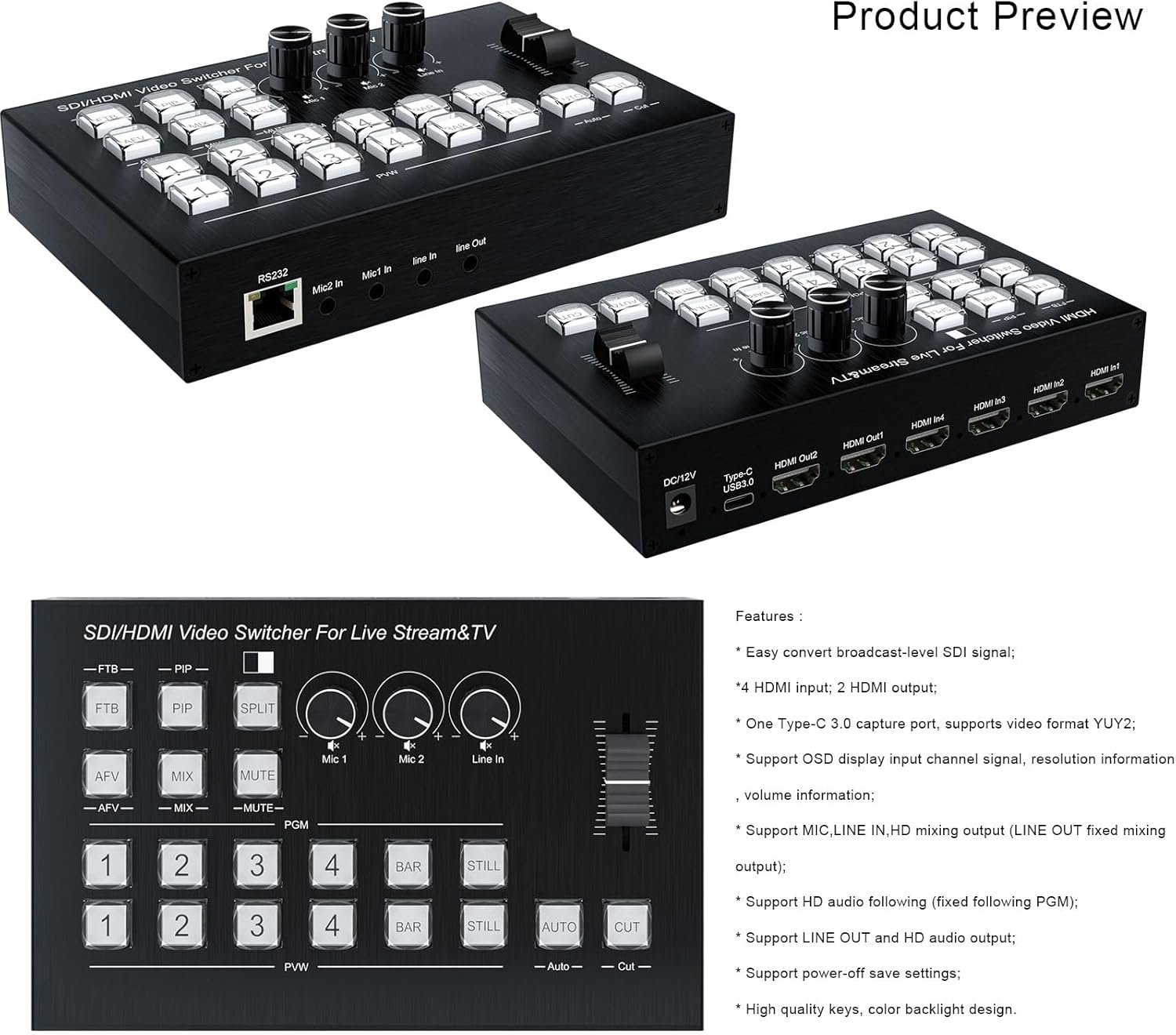
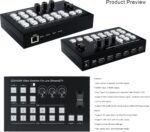
1: FTB — PGM turns on or off to black screen

2: PIP — Enter or exit picture-in-picture mode

(PGM background, PVW small image, audio follows PGM);

3: SPLIT — Left and right two segmentation (PGM on the left, PVW on the right);

4: AFV — audio follows PGM image; 5: MIX — Audio mix (MIC1-2/Line in/HD); 6: MUTE — Turn on or off the mute;

7: PGM_1 — PGM image switched to HD1; PGM_2 — PGM image switched to HD2; PGM_3 — PGM image switched to HD3; PGM_4 — PGM image switched to HD4; BAR — PGM blue image turn on or off; STILL — PGM image is frozen or unfrozen;

8: PVW_1 — PVW image switched to HD1; PVW_2 — PVW image switched to HD2; PVW_3 — PVW image switched to HD3; PVW_4 — PVW image switched to HD4; BAR — PVW blue image turn on or off; STILL — PVW image is frozen or unfrozen;

9: Mic1 — Tap MIC 1 to turn on or off the Input volume, rotate to adjust the volume.

10: Mic2 — Tap MIC 2 to turn on or off the Input volume, rotate to adjust the volume.

11: Line In — Tap to turn on or off analog audio input , rotate to adjust the volume;

12: Slider key – Fade in and out between PVW and PGM image;

13: Auto — Fade in and out between PGM and PVW image;

14: Cut — Quick switch between PGM and PVW image;

Buy Live Streaming Video Mixer in Kenya – Delivery done nationwide