
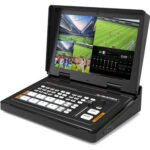
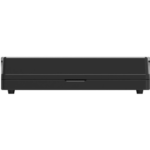
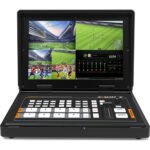
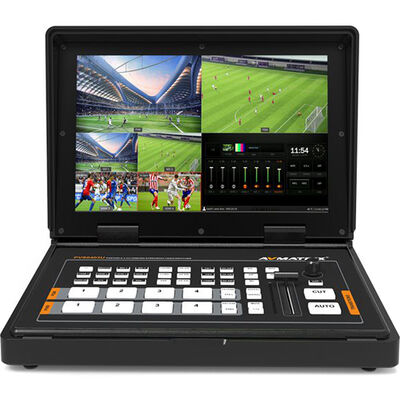
This item: AVMATRIX PVS0403U 4-Channel SDI & HDMI Video Switcher with 10.1" Monitor
KSh86,000
KSh86,000


AVMATRIX PVS04 Overview
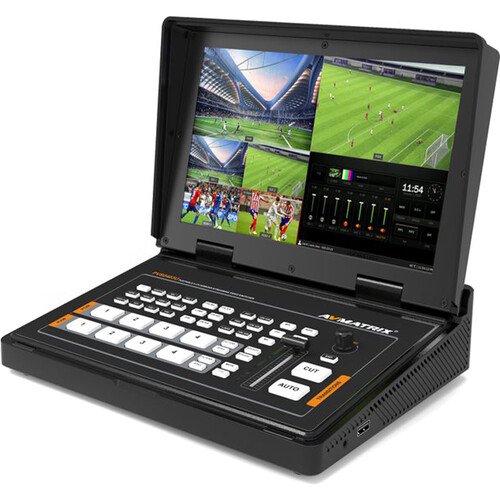
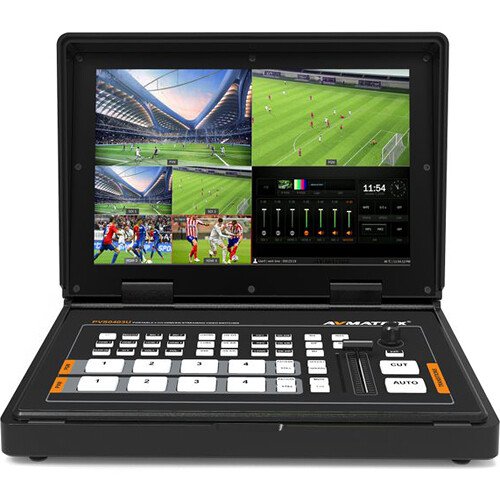
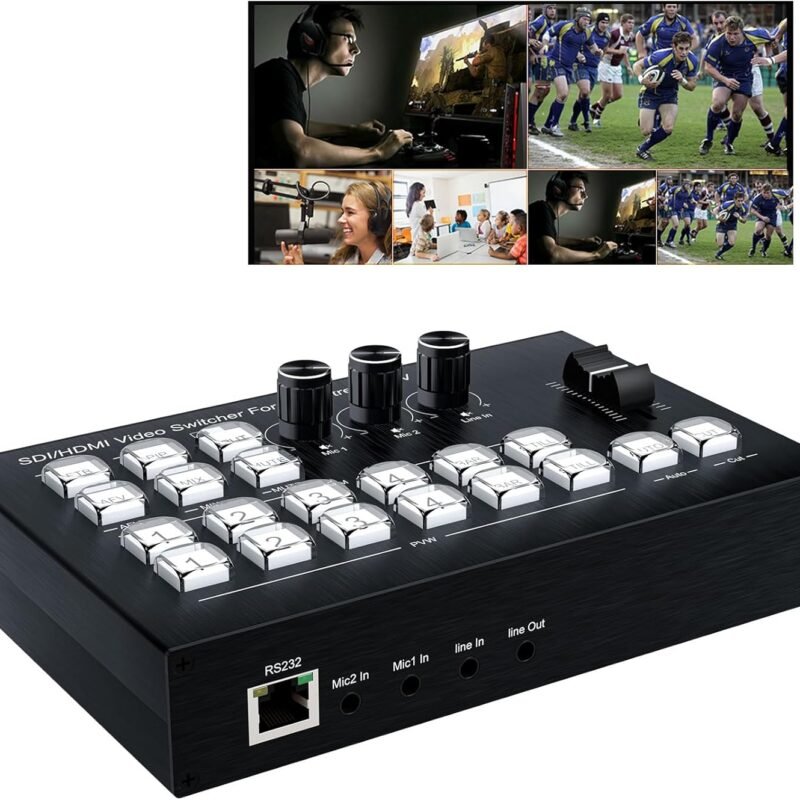
Add professional video switching and audio mixing flexibility to your concert productions, house of worship, educational forum, or live sports programming with this HVS0403U Micro 4-Channel SDI & HDMI Video Switcher from AVMATRIX. Boasting two HDMI and two SDI autodetectable inputs, the HVS0403U is a compact and user-friendly video switcher loaded with an integrated 10.1″ Full HD IPS LCD monitor and many powerful features, including luma and chroma keying, mix/fade/wipe effects, audio mixing, and a picture-in-picture (PiP) or picture-on-picture (PoP) layout, using tactile functions such as auto and cut transitions or the T-bar.
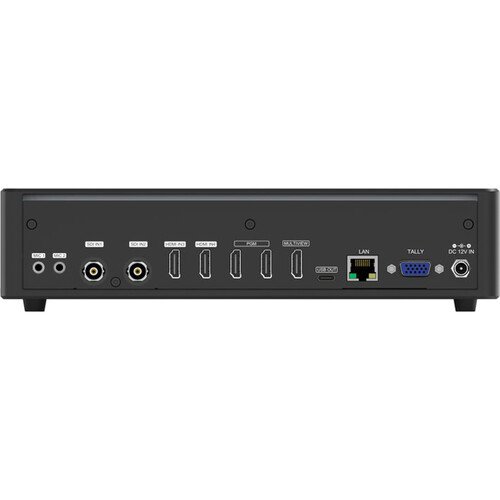
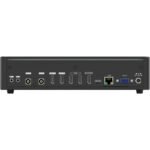
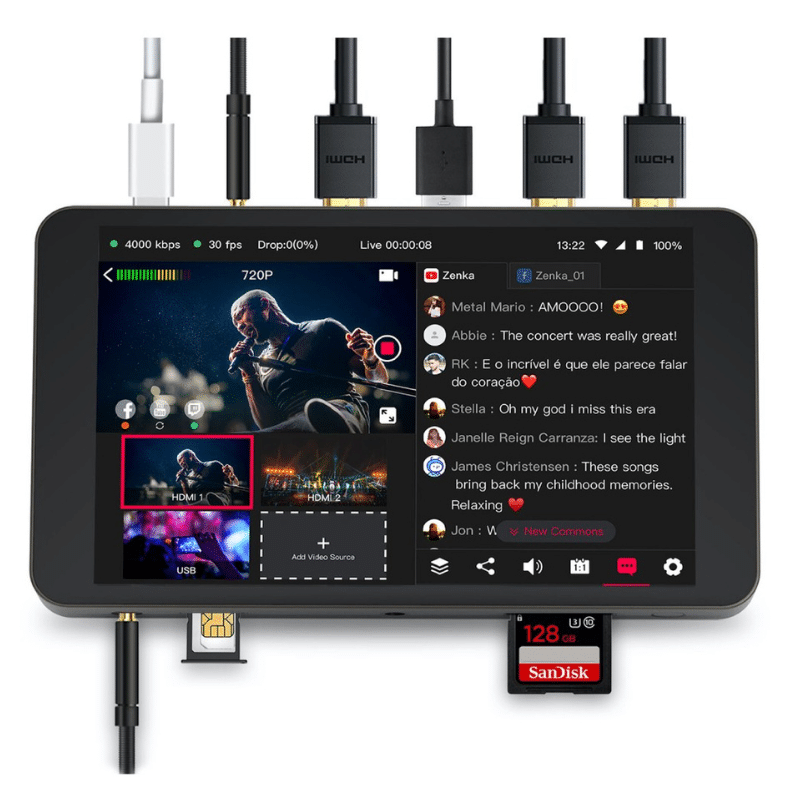
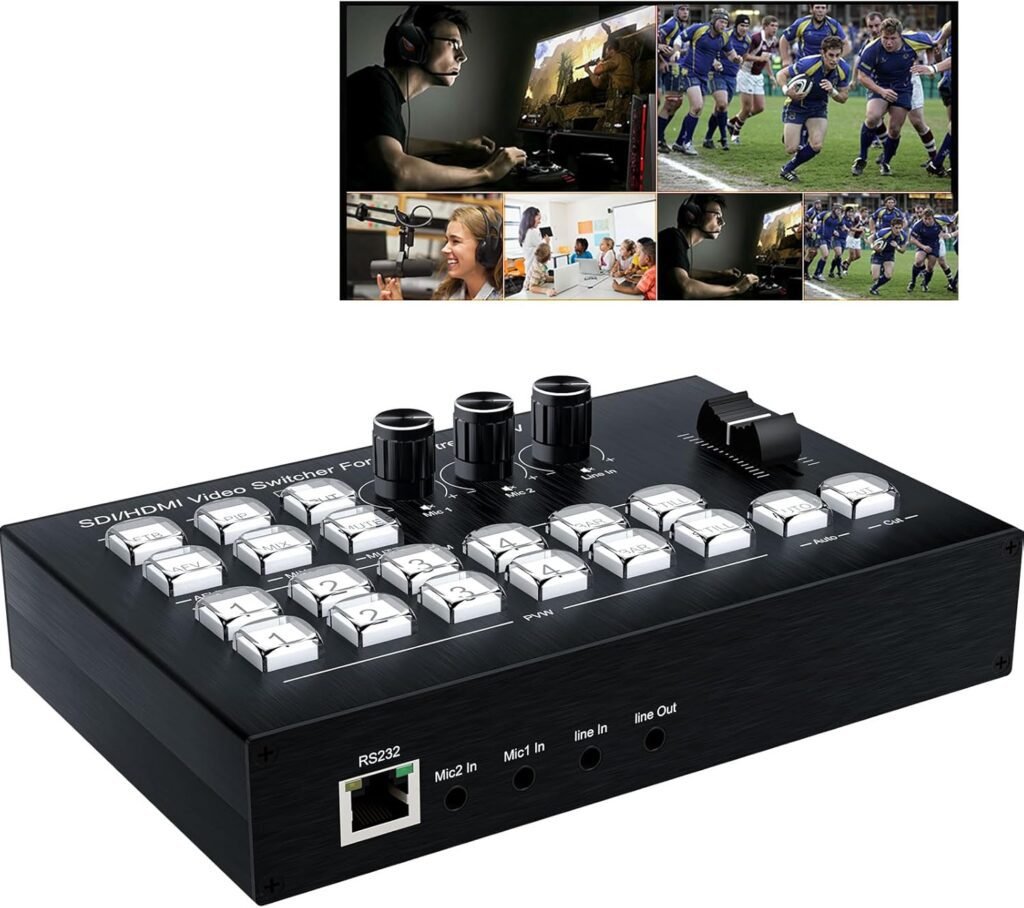
Bring in four separate sources for switching up to 1080p60 video with embedded audio, or mix in additional audio originating from two analog stereo 3.5mm mic/line inputs. An HDMI output with multiview support provides ideal previewing functions, and two HDMI program outputs with scaling features give you flexibility for sending simultaneous signals to a display for live events and a recording terminal for editorial consideration. There is also a USB-C video output to connect to a computer for video capture and live streaming, while a LAN port enables you to control the switcher using software via IP.
USB Capture for Streaming
Connect the switcher to a computer via the USB-C output and use software like OBS, PotPlayer, or vMix to realize live streaming on YouTube, Facebook, Twitter, and other social media platforms.
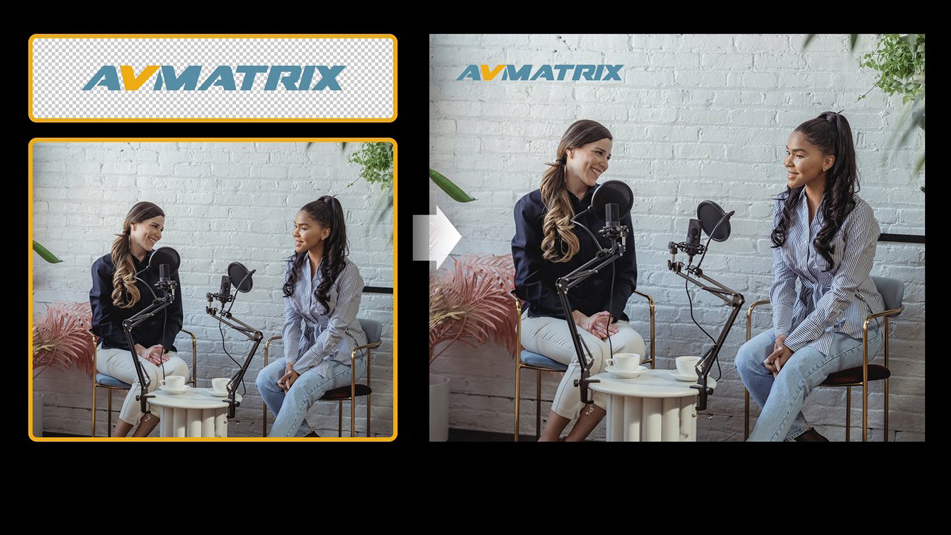
Logo overlays are supported from a variety of different image file formats, including PNG, JPG, and BMP, and you have the option of capturing up to 16 screenshots and storing up to 16 images using the USB-A input with 39 default patterns and two color generators. A tally interface supports GPIO, still frame, mute, and fade-to-black (FTB) functionality.
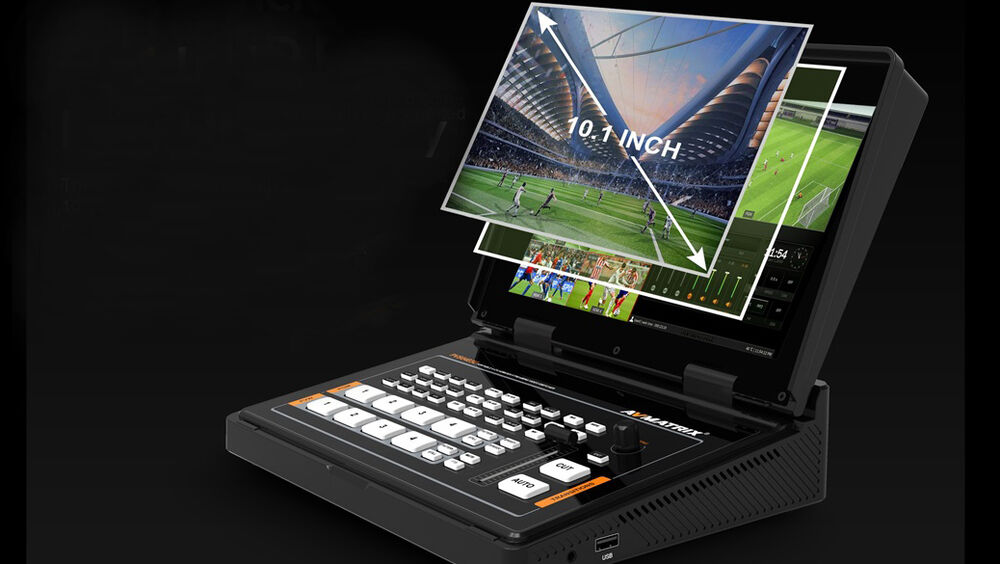
10.1″ IPS Full HD Display
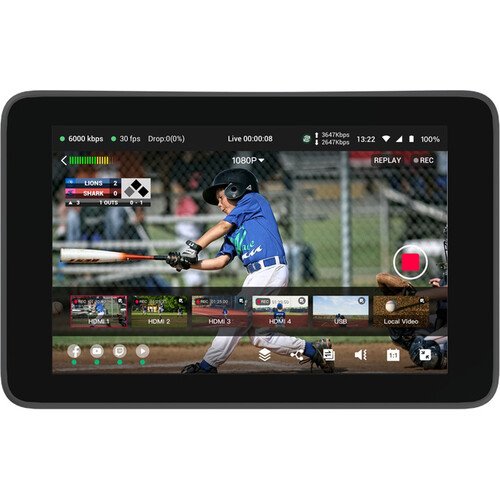
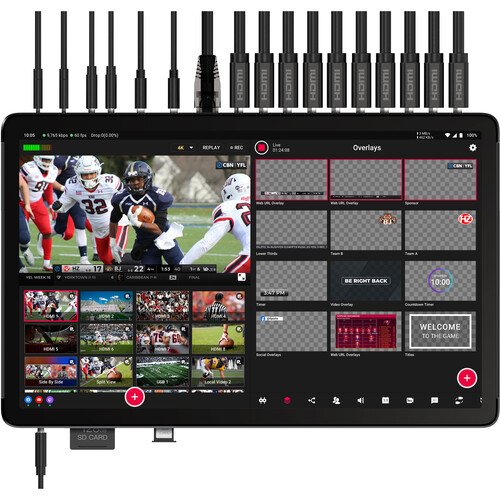
The integrated display enables you to clearly view preview, program with audio bar, multiview, clock, and menu settings.
Scaled Output and Multiview
The switcher supports multiview formats, including 1080p, 1080i, 720p, 576i, and 480p HDMI and SDI signals. Each output supports up/down scaling and can be configured as HDMI/SDI source, PVW, PGM, clean PGM, and multiview.
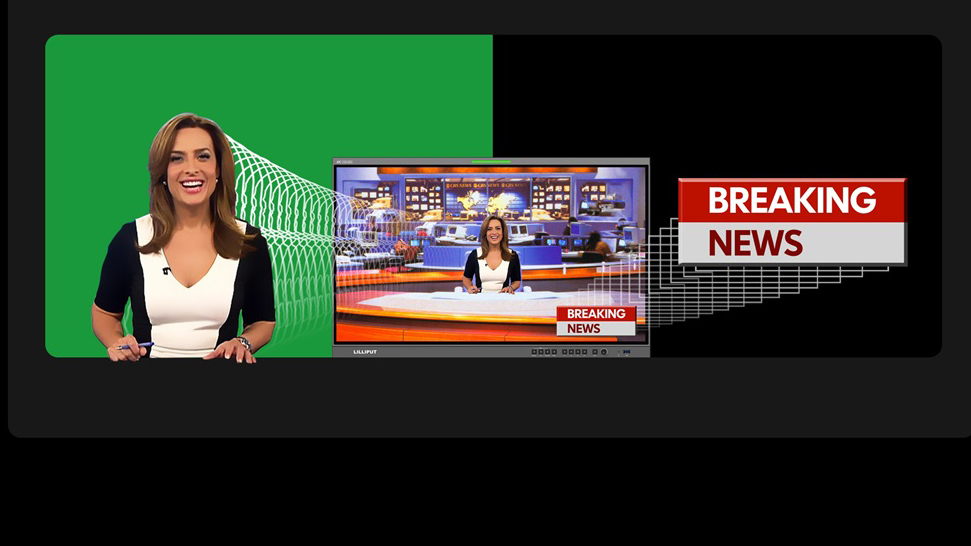
Upstream and Downstream Keying
The switcher supports chroma and luma key for keying off blue/green and black background colors for virtual studio or live event applications.
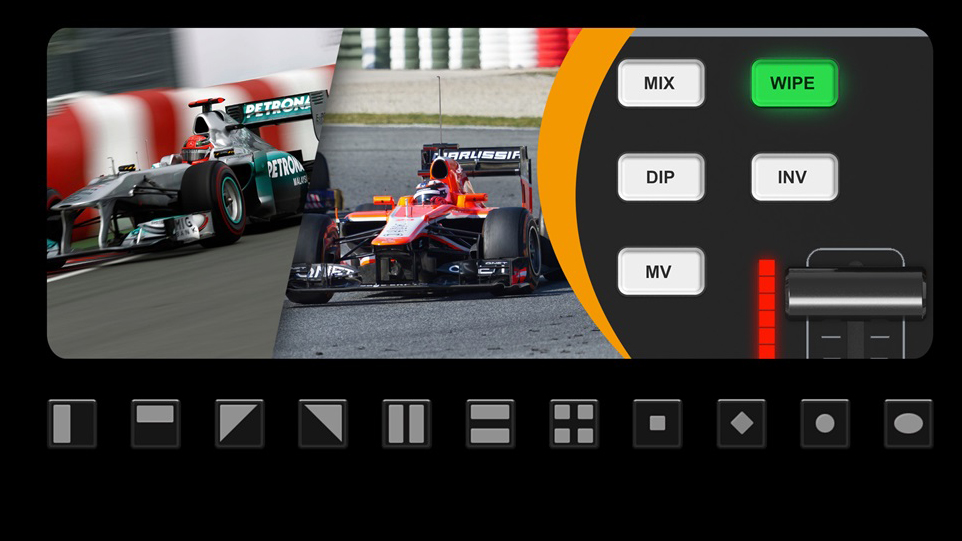
Transition Effects
There are wipe (11 x 2 patterns), mix, and dip transition effects available using the T-bar or Auto button function, and users can also transition to different shots by switching via the Cut button.
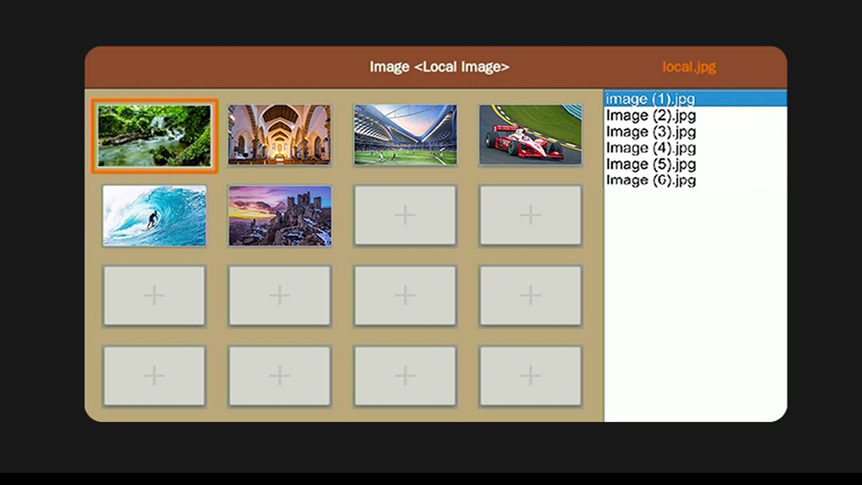
Powerful Media Management
The media management functions feature 39 preset patterns, and users can import images from a USB thumb drive or capture and store the screenshot image originating from SDI1, SDI2, HDMI3, HDMI4, clean PGM, and PGM.
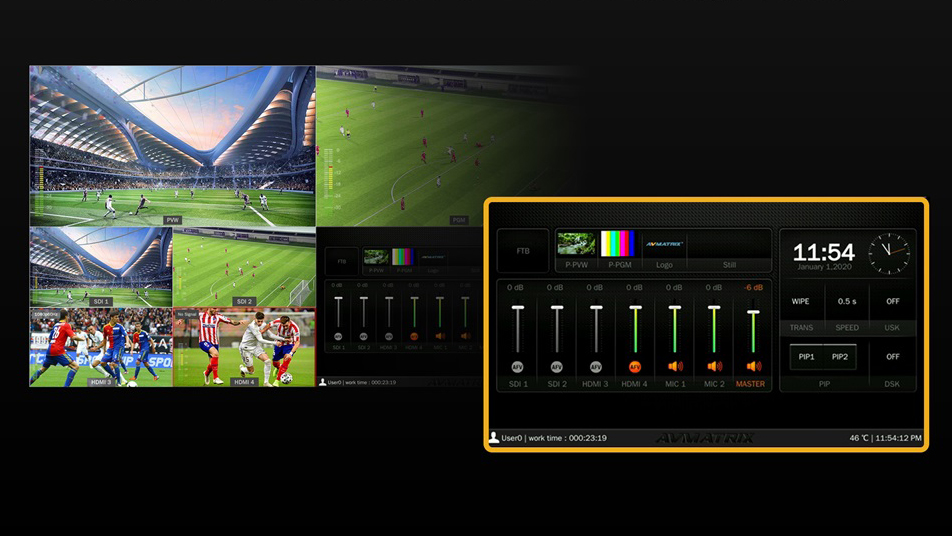
Audio Mixing and Audio Follows Video
Easily mix the embedded audio from the two HDMI and two SDI sources or set the embedded audio function to AFV (audio follows video) mode. You can also bring in two external audio sources via the unit’s two 3.5mm analog (mic/line) inputs.
PC Control Software
A free software can be downloaded from the manufacturer’s website allowing users to control all settings of the device via IP.

 Storage Devices